
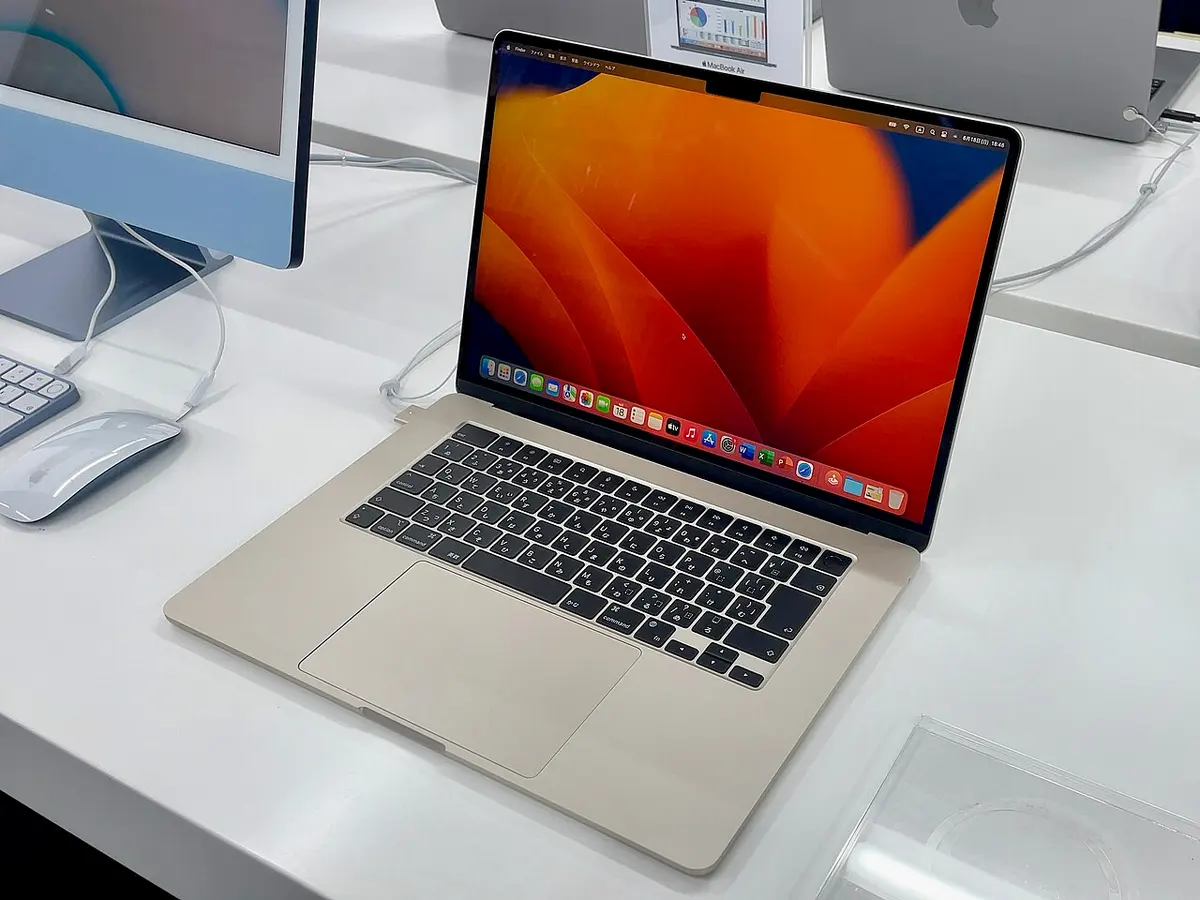
Gemini can now click, type and fill forms across Mac apps, local files and websites. The new computer-use feature works through a background window, while your main screen and cursor stay free.
That gives the assistant a more hands-on job. Instead of only suggesting steps, it can carry out a task across several places on your Mac. You can ask it to sort files into folders, copy details from a PDF into a form, or make a presentation from information on live dashboards.
The idea is to cut down on repetitive work, like filling out forms or repeating a task across a batch of files. If you spend time moving information between apps, you can describe the job and follow along in a live preview. Gemini can be paused, and you can approve key actions before they happen.
Google's examples include preparing resale listings from clothing photos and building slides from dashboard information. Those are multi-step jobs: Gemini has to work with files or websites, then use another app to finish the task. The feature is rolling out in English in the US, through the Mac app, and requires a Google AI Plus, Pro or Ultra subscription.
Other leading AI makers already offered features that let desktop assistants take actions. Gemini is now bringing computer use to its Mac app, where you can still watch its steps, pause it and approve key actions. For a task that takes many clicks, the useful question is whether checking its steps takes less time than doing the job yourself.
The appeal is practical: Gemini can take on the repeated clicks that slow down a task spread across files and apps. The live preview matters as much as the automation, because you can see its steps and stop it. Watch how well it handles your own routine tasks, and how much checking they need.