
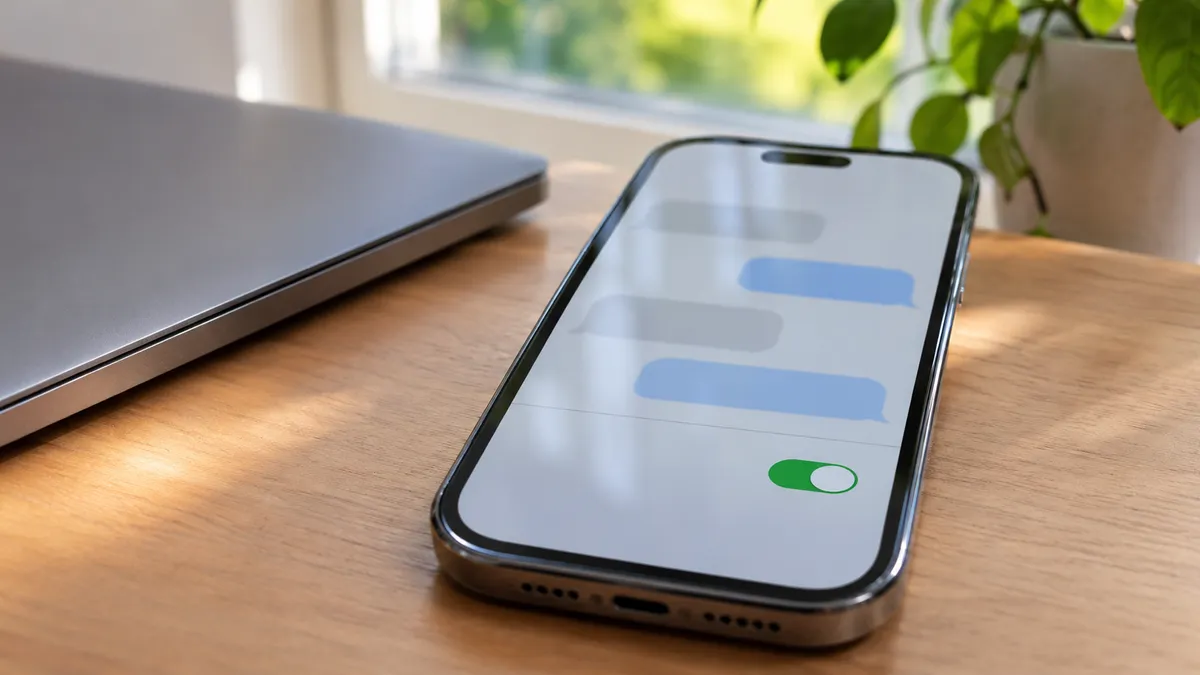
Signal is changing what happens when an AI assistant tries to read your phone screen: its Android and iPhone apps now restrict screenshots by default. The point is to keep a chat from being copied into an assistant's view while you use your phone.
The risk begins at the screen. AI assistants can scan what is displayed to answer a request; once copied, Signal messages may be stored in a local database or sent to a remote server used by that assistant. That data is then outside Signal's control and its encryption.
This extends a defense Signal already used on Windows against Microsoft Recall, a feature that takes periodic screenshots. On iPhone, the app blocks the latest built-in AI features. On Android, it turns on screen security when Signal detects an assistant trying to read the display. That covers tools such as Siri and Gemini.
You can still save a screenshot by turning off the protection in Signal's settings. Meredith Whittaker, Signal's president, says that choice breaks the app's privacy guarantees. Turning off the protection could expose your messages and those sent by people in your chats to AI agents.
This is a screen-level barrier, not a lock on every way an assistant might reach app data. Signal calls the fix incomplete because agents may access files stored on a device. The company says it cannot yet offer the same protection on macOS because Apple has not provided documented tools to block screenshots reliably.
Signal has also asked Apple, Google and Microsoft for a clear way for apps to opt out of AI data access, plus public details on how their assistants handle information.
The trade-off is simple: keeping a screenshot is convenient, but it can open a path from a private chat to an AI assistant. Signal's setting gives you a choice over that one path. The larger question is whether operating systems can let apps protect screen data without taking away normal features.